
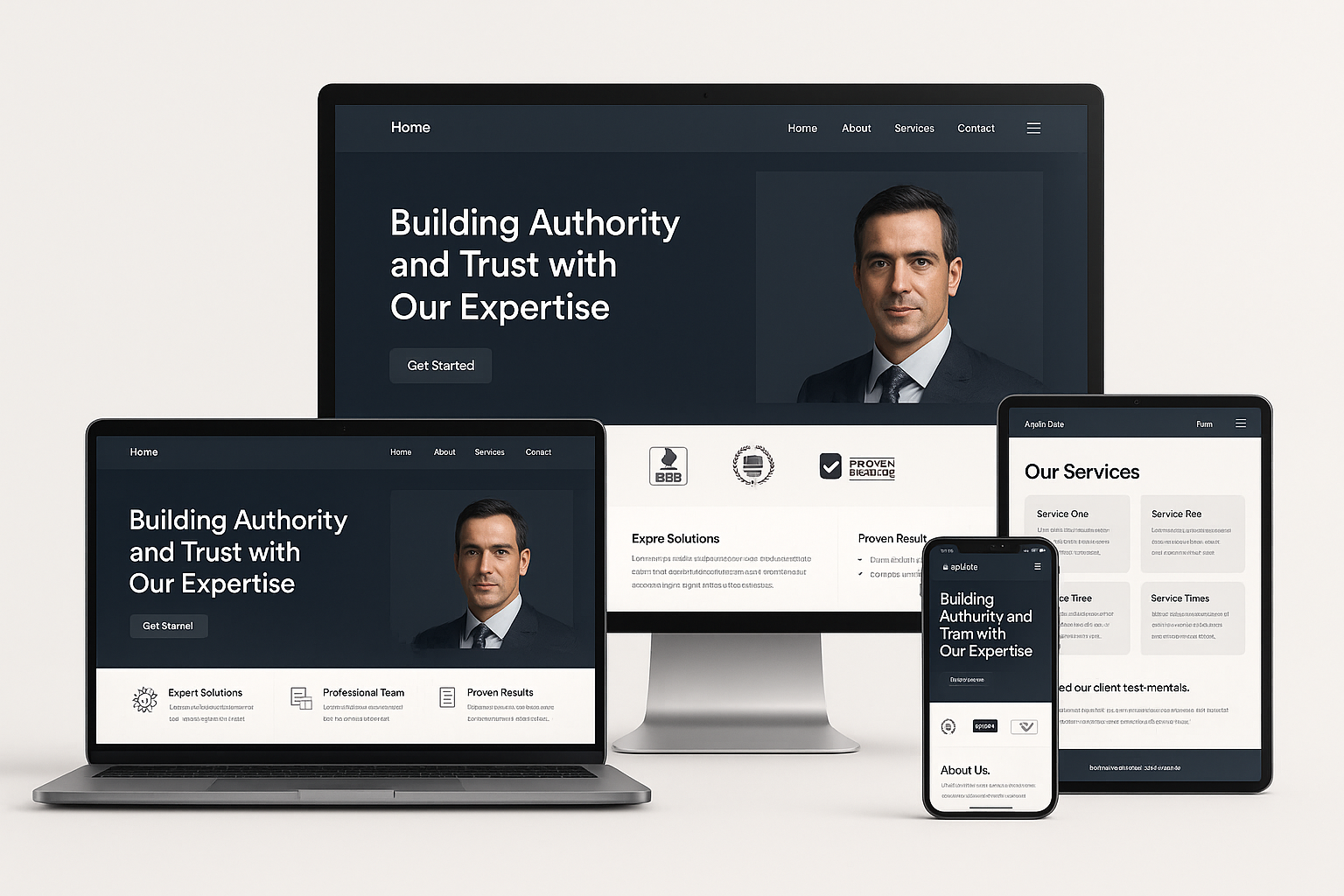
In an era where users rely on search engines and AI systems to validate which brands they can trust, the concept of authority has moved from a marketing buzzword to a core ranking and conversion factor. Modern brands can no longer rely solely on attractive visuals or clever copy; they must integrate authoritative website design principles from the very beginning of the build.
Authority influences how humans perceive your business, and how AI systems, Google, and other search engines evaluate your content. When done properly, authority improves rankings, boosts conversions, and increases customer confidence.
Below, we examine the key ways to incorporate authority into your website design and build for maximum impact.
1. Start With an Authority-Driven Architecture
Authority begins long before visual design. It starts with the structural decisions that govern how content is organised, interlinked, and understood by both search engines and AI systems.
1.1 Build a Clear, Hierarchical Site Structure
A clear hierarchy signals expertise and organisation. This means:
- Logical parent/child pages
- Consistent URL patterns
- Topic clusters around core themes
- Internal linking that reinforces expertise
A scattered structure dilutes authority. A strong structure amplifies it.
1.2 Use Semantic HTML and Structured Data
Authority is not only what you say, but how your website presents it to machines.
Use:
<article>,<section>,<header>,<footer>- Schema.org markup (FAQ, Article, LocalBusiness, Product, Service)
Search engines reward websites that make their content easy to interpret.
1.3 Create AIO Website Ready Foundations
Being aio website ready means building for AI systems from day one:
- Clean content blocks
- Strong semantics
- Structured meaning
- Clear definitions and factual accuracy
- Consistent terminology
As AI systems increasingly read and summarise websites for users, your design must cater to AI readability as much as human readability.
2. Showcase Trust From the First Impression
Authority begins the second a visitor lands on your site. First impressions often determine whether a visitor trusts what they see.
2.1 Use Professional Visual Hierarchy
Authoritative websites share several visual attributes:
- Clean typography
- Consistent spacing
- Strong use of whitespace
- Limited colour palette
- High-value imagery
- Predictable, familiar layouts
People inherently trust websites that feel stable, modern, and intentional.
2.2 Use Real Photography
Authentic imagery outperforms generic stock photos every time. Use:
- Real team photos
- Real office/location photos
- Behind-the-scenes imagery
- Verified client images (with consent)
Authenticity = Authority.
2.3 Highlight Key Trust Signals Above the Fold
Consider placing these in the hero or just below:
- Certifications
- Professional memberships
- Awards
- Press mentions
- Review scores
- Years of experience
Authority should be visible without scrolling.
3. Build Authority Through Expert Content
You cannot fake expertise. Authority comes from consistent, high-quality, well-structured content.
3.1 Create Topic Clusters Around Core Expertise
Instead of random blog posts, create pillar pages that explore a topic in depth and link to supporting pages.
Example for a clinic:
- Main pillar: “Facial Rejuvenation Treatments”
- Clusters: Botox, Fillers, Emface, Skin Tightening, etc.
This creates topical authority, which Google and AI systems reward heavily.
3.2 Use Author Sections and Expertise Credentials
Show the human behind the content.
- Bio section with qualifications
- LinkedIn profile link
- Relevant certifications
This helps both users and AI systems verify expertise.
3.3 Add Evidence, Data, and First-Party Insights
Authority grows when your content is:
- Data-driven
- Transparent
- Supported by external references
- Written from genuine expertise
Avoid vague generalities. Be concrete, factual, and instructional.
4. Strengthen Website Authority With Social Proof
Authority design is not complete without external validation.
4.1 Reviews and Testimonials
Choose high-impact placements:
- Homepage
- Service pages
- Contact page
- Product pages
Use real names and images where allowed.
4.2 Display Case Studies With Measurable Outcomes
A true authority website design incorporates:
- Problem
- Process
- Outcome
- Before/after visuals
- Testimonials
Case studies are unmatched for building credibility.
4.3 Showcase Recognised Logos
If your business works with known companies or appears in the media, place those logos on key pages.
Logos = instant perception of authority.
5. Prioritise Technical SEO for Credibility and Rankings
A website cannot communicate authority if it loads slowly, feels unstable, or appears insecure.
5.1 Speed Is a Trust Signal
Core Web Vitals matter more each year. Improve:
- Server response times
- Image compression
- Code minification
- Caching
- Lazy loading
Fast = trustworthy.
5.2 Ensure Security and Compliance
Authority requires technical trust:
- SSL certificates
- Updated plugins
- Strong server architecture
- GDPR compliance
- Cookie control
- Accessible design (WCAG 2.1)
A slow or insecure site destroys authority instantly.
5.3 Optimise for Mobile-First and Voice Search
By 2026, most search recommendations will originate from AI assistants and mobile devices.
Your website must support:
- Mobile-first layouts
- Voice-search-optimised content
- Conversational FAQ structures
- Schema for voice answers
Mobile authority = AI authority.
6. Incorporate AI-Driven Content and AIO-Ready Structures
Authority in the next evolution of search requires building for Google + AI assistants + AI crawlers.
6.1 Use AI to Detect Content Gaps
AIO systems can identify:
- Missing topics
- Weak pages
- Decay in existing content
- Poor semantic coverage
This ensures authority is continuously maintained.
6.2 Build Internal Knowledge Graphs
Authority website design is moving toward:
- Pages interlinked by subject
- Entities connected by meaning
- Clear relationships between topics
This is how AI systems evaluate expertise.
6.3 Mark Every Key Element With Schema
Authority is enhanced through structured clarity:
- FAQ schema
- How-To schema
- Product schema
- Article schema
- LocalBusiness schema
Schema strengthens both SEO and AIO.
7. Create Conversion-Driven Authority Elements
Authority design goes beyond ranking; it shapes how users take action.
7.1 Strong CTA Placement
Authoritative CTAs:
- Are visible
- Use confident language
- Create clarity (“Get a Quote”, “Book a Consultation”)
- Appear at key decision points
Weak CTAs signal uncertainty. Authoritative CTAs signal leadership.
7.2 Build Trust Funnels
Combine:
- Social proof
- FAQs
- Guarantees
- Case studies
- A CTA
This creates a psychological pathway where authority leads to action.
7.3 Don’t Over-design
The most authoritative websites are usually simple, predictable, and clean, not overly creative.
Authority lives in clarity, not complexity.
FAQ Section
1. What is an authoritative website design?
It is the practice of building trust, expertise, and credibility into your website through structure, content, visuals, and technical excellence.
2. How does website authority affect rankings?
Higher authority improves visibility, trust factors, click-through rates, and overall search engine performance.
3. What makes a website aio website ready?
Clean structure, semantic HTML, schema, factual content, and clear meaning that AI systems can accurately interpret.
4. Why is social proof important in website design?
It demonstrates real-world trust and validation, which increases conversions and credibility.
5. How often should I update authority elements on my site?
Monthly reviews are recommended to maintain accuracy and relevance.
6. Do visual design choices affect authority?
Yes, clean, modern, stable design builds subconscious trust.
7. Does authority help with conversions?
Absolutely. Authority reduces doubt and increases confidence, leading to more enquiries or purchases.
